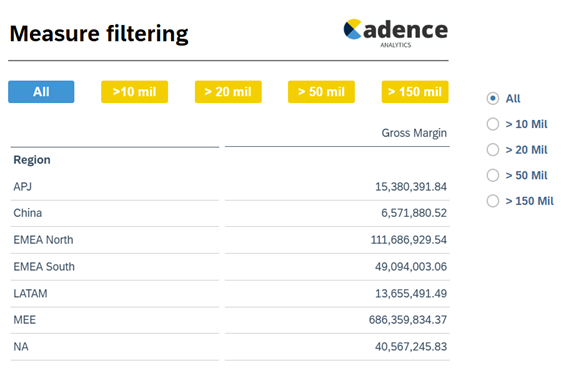
This approach can be used if you need to filter using buttons or radio buttons, you could of course just use the native input controls.
- This example is for non-planning SAC models
- I’ve used a simple dataset uploaded from excel
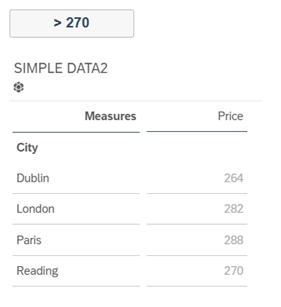
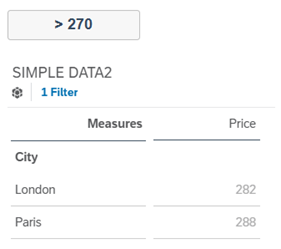
Script in the button
Table_3.getDataSource().removeDimensionFilter("City");
var arr = Table_3.getDataSource().getResultSet();
var dimension_members = ArrayUtils.create(Type.string);

/* Loop through the resultset & push dimension members to the array ‘arr’
   if the measure value meets the condtion, e.g. >270*/
for (var i=0;i<arr.length;i++)
	{   var string = arr[i][Alias.MeasureDimension].rawValue;
                    var number = ConvertUtils.stringToNumber(string);
if(number>270)   {dimension_members.push(arr[i]["City"].id);							   }   }
// filter the table with the dimension ids present in the array
Table_3.getDataSource().setDimensionFilter("City",dimension_members);
Code language: JavaScript (javascript)In this example we have multiple buttons synched to radio buttons
https://vimeo.com/1034285015