
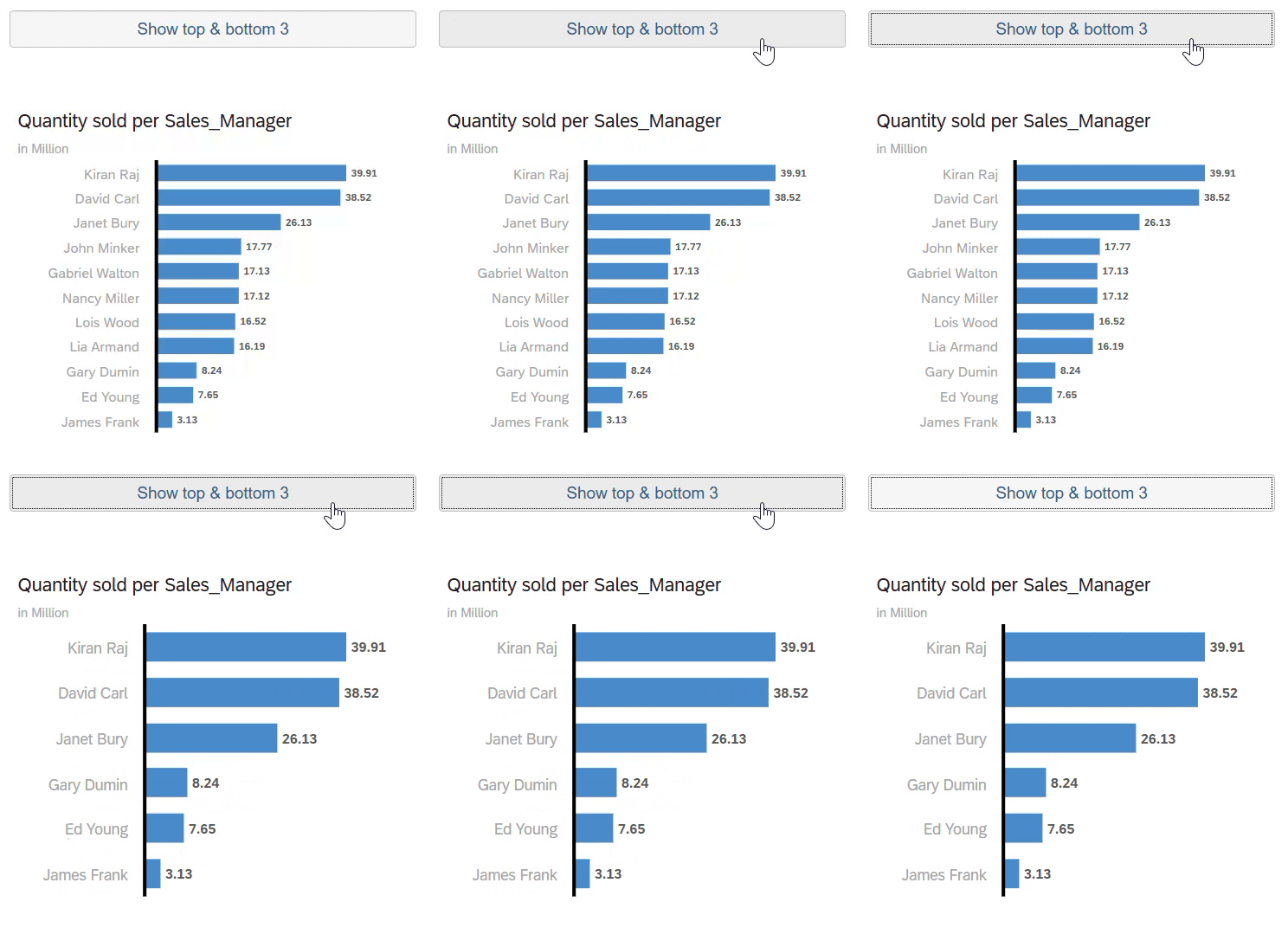
This script allows users to display the Top & Bottom n results in the same chart, in this case Top & Bottom 3
Sales Mangers by Quantity Sold.
var chart_measure = Chart_1.getMeasures(Feed.ValueAxis)[0];                           // get the first measure in the chart
var chart_dimension = Chart_1.getDimensions(Feed.CategoryAxis)[0];          // get the first dimension in the chart
var dimension_array=[''];      // create a blank array variable
var selections 	= Chart_1.getDataSource().getDataSelections();  // create a variable to store the result selections
Chart_1.rankBy({structureMember:chart_measure ,rankOrder:RankOrder.Top,value:3});
// once the top 3 rank has been applied, grab the values and add them to the dimension_array array variable
selections = Chart_1.getDataSource().getDataSelections();
for (var i = 0; i < selections.length; i++)
    {var top_members = Chart_1.getDataSource().getResultMember(chart_dimension, selections[i]);
      dimension_array.push(top_members.id);}
// remove the ranking
Chart_1.removeRanking();
// apply a bottom 3 ranking on the chart
Chart_1.rankBy({structureMember:chart_measure ,rankOrder:RankOrder.Bottom,value:3});
// once the bottom 3 rank has been applied, grab the values and add them to the dimension_array array variable
selections = Chart_1.getDataSource().getDataSelections();
for (var bottom = 0; bottom < selections.length; bottom++)
       {var bottom_members = Chart_1.getDataSource().getResultMember(chart_dimension,selections[bottom]);
       dimension_array.push(bottom_members.id);}
// remove the ranking
Chart_1.removeRanking();
/* Filter the chart with the values stored in the dimension_array array variable then sort the values in descending order by the measure currently present in the chart */
Chart_1.getDataSource().setDimensionFilter(chart_dimension,dimension_array);
Chart_1.sortByValue(chart_measure,SortOrder.Descending);

Code language: JavaScript (javascript)