
Documented Properties: (listed in the SAC CSS menu)
border, border-top, border-right, border-bottom, border-left, opacity
* Descendants: N/A;
* Pseudos:N/A;
Undocumented Style Parameters:
n/a
Box Shadow
Applies a solid box shadow border to a widget.
Have a play with the parameters, for example set the offset values to -5px and the shadow will appear on the left and top of the widget
.my-css-class .sap-custom-panel-widget { box-shadow: 5px 5px 10px rgba(0, 0, 0, 0.3); }
Code language: JavaScript (javascript)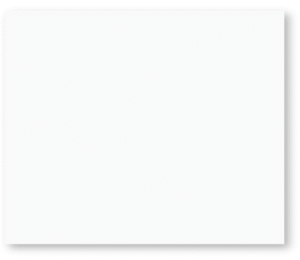
.my-css-class .sap-custom-panel-widget { box-shadow: -5px -5px 10px rgba(0, 0, 0, 0.3); }
Code language: JavaScript (javascript)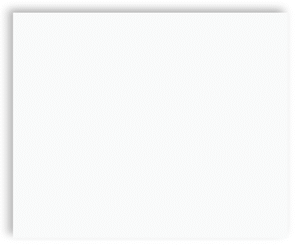
Explanation
box-shadow adds a shadow effect around the element’s box.
5px 5px → the horizontal and vertical offset of the shadow.
10px → the blur radius (how soft or sharp the shadow is).
rgba(0, 0, 0, 0.3) → the color of the shadow: black (0,0,0) with 30% transparency.
.my-css-class.sap-custom-panel-widget {
     box-shadow: inset 5px 5px
10px rgba(0, 0, 0, 0.3); }


Code language: JavaScript (javascript)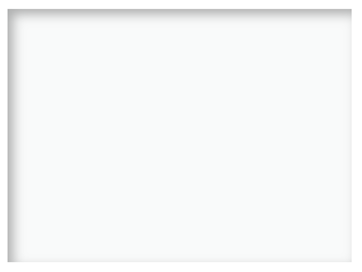
.my-css-class.sap-custom-panel-widget {
    box-shadow: inset 5px 5px 10px rgba(0, 0, 0, 0.3),
                                            8px 8px 15px rgba(0, 0, 0, 0.2);  }

Code language: JavaScript (javascript)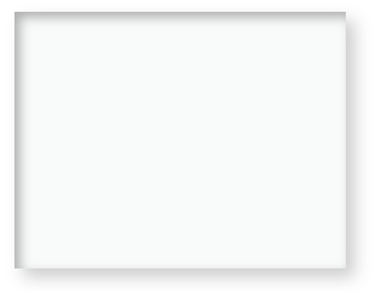
Multiple Shadows
Combines inset shadow with an outer shadow,
makes the panel appear raised with an inner depth.
.my-css-class .sap-custom-panel-widget {          box-shadow:
               inset 3px 3px 8px rgba(0, 0, 0, 0.3),
               inset -3px -3px 8px rgba(255, 255, 255, 0.2); }

Code language: JavaScript (javascript)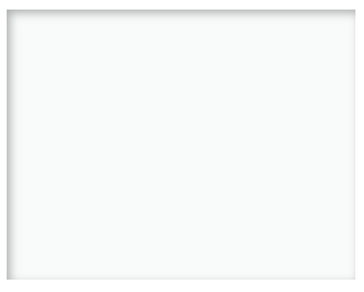
Hard Edged Shadow
Create a solid, cutout-like effect,
set the blur radius (third value) to 0px.
.my-css-class .sap-custom-panel-widget {    box-shadow: inset 5px 5px 0px rgba(0, 0, 0, 0.5); }
Code language: JavaScript (javascript)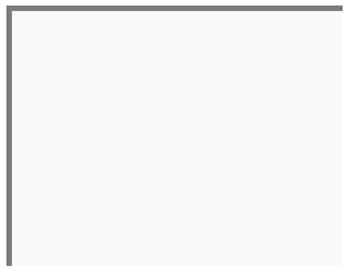
This example is part of a broader set of SAP Analytics Cloud scripting patterns, covering common use cases such as filtering, measure switching, and reacting to user selections.