
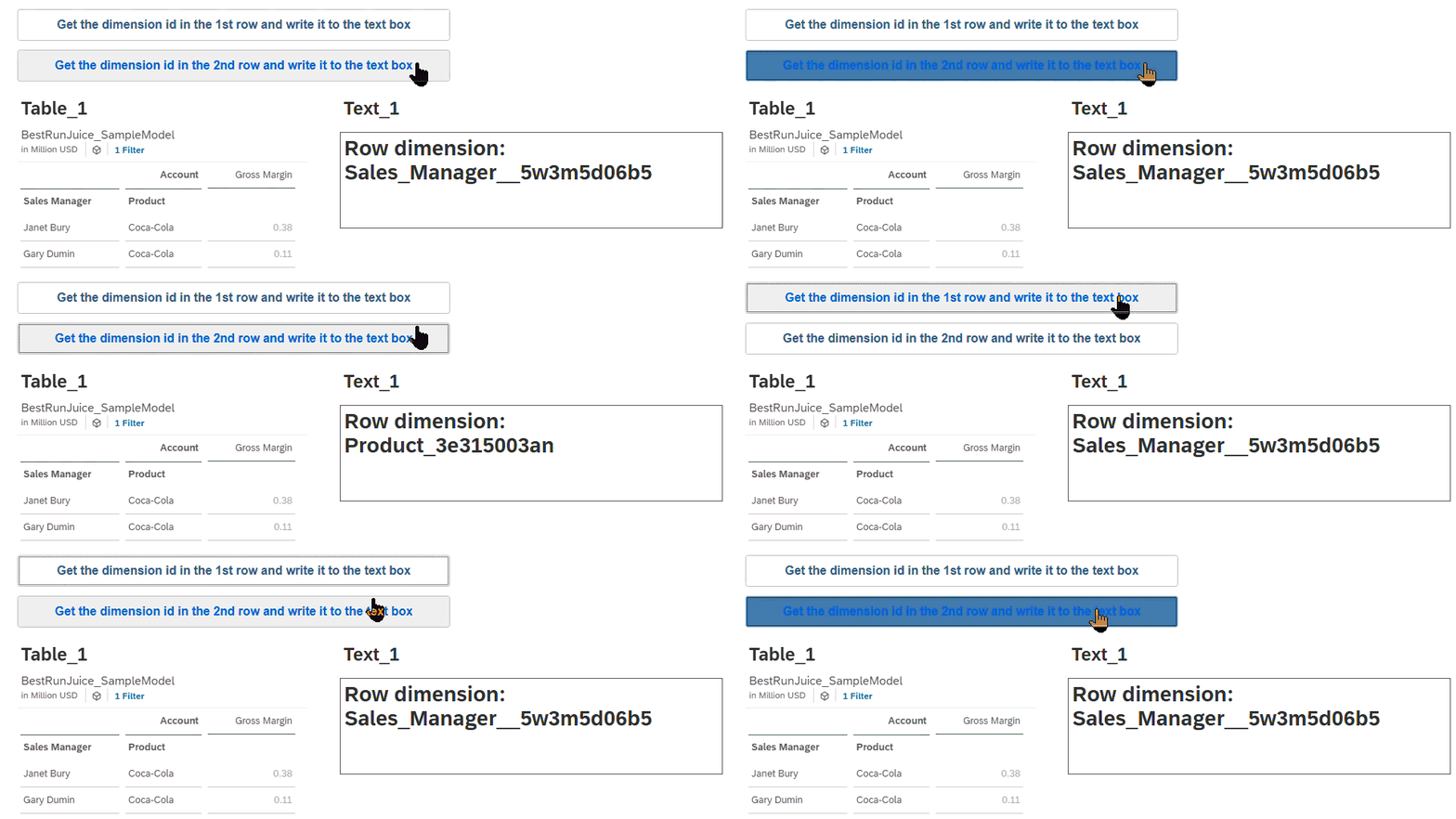
In this example the script is placed in the button, it returns the dimension id from specific rows in the table and writes them to the textbox
The top button retrieves the dimension id from row 0 & writes it to the text box: Text_1.applyText(“Row dimension: ” + rowDims[0]);
The Second button uses exactly the same code – only the row number being changed: Text_1.applyText(“Row dimension: ” + rowDims[1]);
var rowDims = Table_1.getDimensionsOnRows();

if (rowDims.length > 0)
{
    Text_1.applyText("Row dimension: " + rowDims[0]);
}
Code language: JavaScript (javascript)