
In this example the script is placed in the button, it returns the measure name from the table and writes it to the textbox
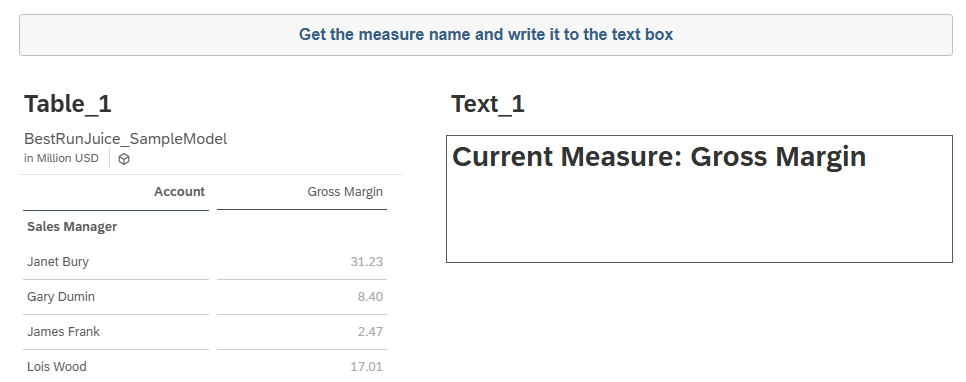
var resultSet = Table_1.getDataSource().getResultSet();

if (resultSet.length > 0)
{
    var measureName = resultSet[0][Alias.MeasureDimension].description;

    Text_1.applyText("Current Measure: " + measureName);
}
Code language: JavaScript (javascript)